In today’s world, your smartphone is more than just a device — it’s your bank, your photo album, your office, your chat room, and your personal diary. Therefore, privacy matters more than ever. Privacy First: Protect Your Data from Nearby reminds us how important it is to keep our personal information safe from people around us and potential digital threats.
However, here’s the scary part…
Every time you open your phone in public — for example at a café, in a metro, at college, or in the office — someone nearby could easily look at your screen.
They might see things like:
Your OTPs
Your passwords
Your private chats
Your payment details
Because of this, it’s important to put privacy first.
👀 What Is “Shoulder Surfing”?
“Shoulder surfing” happens when someone looks over your shoulder to see what’s on your screen. At first, it may seem harmless. However, it is actually one of the easiest ways people steal sensitive information.
For instance, imagine situations like these:
You’re entering your UPI PIN
You’re checking your bank balance
You’re typing an important password
You’re reading private messages
In these moments, it takes just one quick glance for someone to capture valuable information.
📱 Why Mobile Privacy Matters More Than Ever
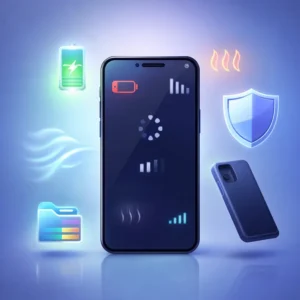
Today, almost everything is digital. As a result, your smartphone stores a large amount of personal information.
For example, your phone may contain:
Banking apps
UPI and payment wallets
Social media accounts
Business emails
Personal photos
Work documents
In other words, your smartphone holds a large part of your identity. Therefore, protecting it is no longer optional — it’s essential.
🛡️ Simple Ways to Protect Your Data in Public
Use a Privacy Screen Protector
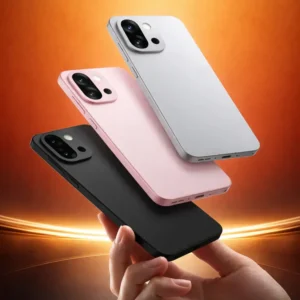
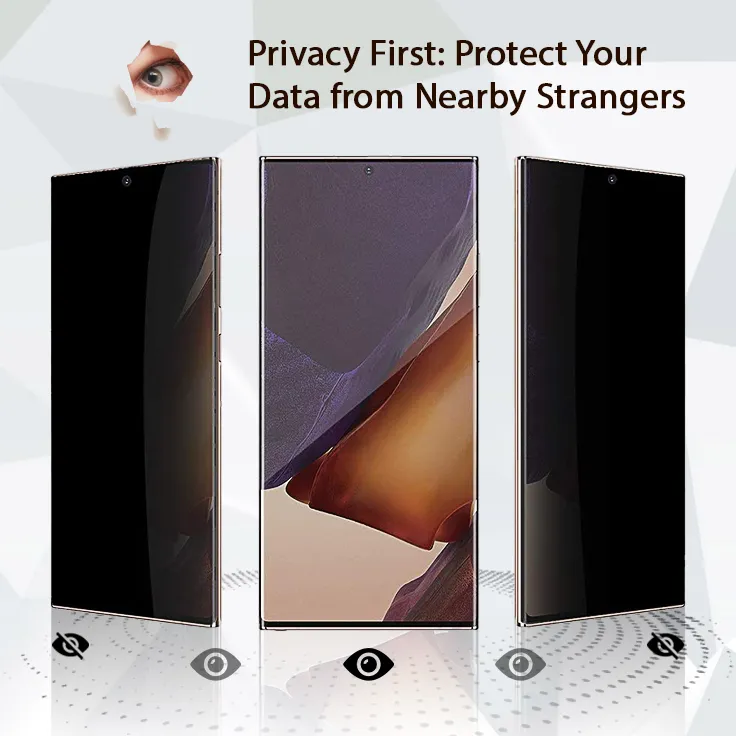
A privacy screen protector allows only the person directly in front of the screen to see the display clearly. Meanwhile, anyone looking from the side will see a dark screen instead.
This makes it perfect for public places such as:
Cafés
Airports
Public transport
Offices
🔒 Always Lock Your Phone
Another important step is locking your phone whenever you’re not using it. For example, you can use:
As a result, even if someone gets hold of your phone, they won’t be able to access your data easily.
❓ Frequently Asked Questions (FAQs)
1. What is a privacy screen protector?
A privacy screen protector limits viewing angles so only the person directly in front of the phone can see the screen clearly.
2. Does a privacy screen reduce brightness?
Yes, slightly. But it adds strong security benefits that make it worth it.
3. Can someone really steal information just by looking?
Yes. It’s called shoulder surfing, and it’s a common real-world method of data theft.
4. Are privacy screens useful for office workers?
Absolutely. They protect confidential emails, reports, and business information from coworkers or clients nearby.
5. Is Face ID safer than a PIN?
Face ID and fingerprint are convenient and secure, but always combine them with a strong backup PIN.
6. Should I use privacy protection even if I don’t use banking apps?
Yes. Your personal chats, photos, and social accounts are valuable too.

 70%
70% 70%
70%