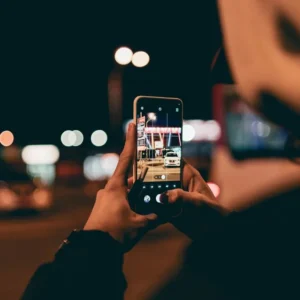
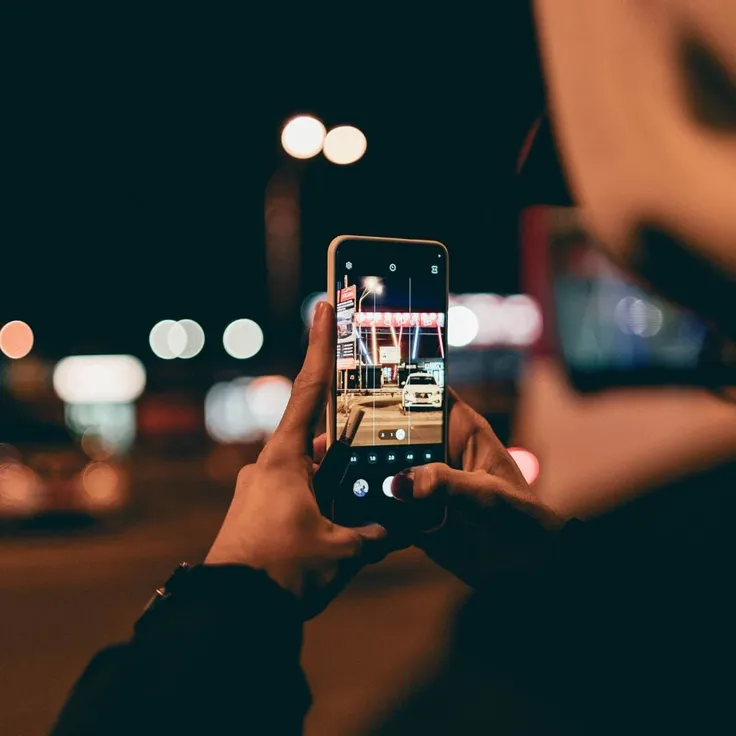
Night photography has a unique charm that makes photos look cinematic, dramatic, and visually appealing. The combination of lights, shadows, and colors after sunset creates a completely different atmosphere compared to daytime photography. With the Samsung Galaxy S24, you don’t need professional equipment to capture beautiful night shots your smartphone is powerful enough to do it all.
In this complete guide, you’ll learn simple and effective techniques to capture sharp, clear, and stunning night photos using your Samsung Galaxy S24, even if you are a beginner.
1. Understand Samsung Galaxy S24 Camera Features
Before taking night photos, it’s important to understand what your phone can do. The Samsung Galaxy S24 comes with advanced camera features designed specifically for low-light photography.
Here are the key features:
- Night Mode (Nightography): Helps capture brighter and clearer images in low light by reducing noise
- Multi-frame Processing: Combines multiple shots into one detailed image
- AI Scene Optimization: Automatically adjusts settings based on lighting conditions
- Pro Mode: Allows manual control over ISO, shutter speed, focus, and white balance
Understanding these features helps you decide when to use automatic settings and when to switch to manual control for better results.
2. Use Night Mode for Best Results
Night Mode is the easiest way to capture high-quality photos in low-light conditions. It automatically enhances brightness and detail without requiring much effort.
How to use it effectively:
- Open the camera app and select Night Mode
- Keep your phone steady while capturing the shot
- Avoid very bright lights directly in the frame
- Try different exposure times for better results
Night Mode works best for:
- Cityscapes
- Street photography
- Low-light indoor shots
- Night sky photos
3. Keep Your Phone Stable
Stability is one of the most important factors in night photography. Even a small movement can cause blur because the camera uses longer exposure times.
Tips to avoid blur:
- Use a tripod for best results
- Place your phone on a stable surface like a table or wall
- Use a timer (2–3 seconds) to avoid shaking when pressing the shutter
- Avoid shooting while walking or moving
A stable phone ensures your images are sharp and professional-looking.
4. Use Pro Mode for Advanced Control
If you want more control over your photos, Pro Mode is very useful. It allows you to manually adjust camera settings for creative results.
Important settings to adjust:
- ISO:
Lower ISO (50–200) = Less noise, darker image
Higher ISO (800+) = Brighter image but more grain - Shutter Speed:
Slower speed (2–10 seconds) = More light, ideal for night shots
Faster speed = Less light, sharper moving objects - Focus:
Use manual focus for better sharpness in low light - White Balance:
Adjust colors based on lighting (street lights, neon lights, etc.)
Pro Mode is perfect for creative photography like light trails, artistic shots, and professional-looking images.
5. Use Light Creatively
Night photography is not about darkness—it’s about how you use light. Different light sources can completely change the mood of your photo.
Try using:
- Street lights for warm tones
- Neon signs for colorful effects
- Car lights for motion blur (light trails)
- Reflections in water or glass
- Moonlight or stars for natural beauty
Experimenting with light can make your photos more dynamic and eye-catching.
6. Focus on Composition
A good composition can turn a simple photo into something amazing. Even with a great camera, poor framing can ruin the shot.
Easy composition tips:
- Use the rule of thirds for balanced images
- Add foreground elements for depth
- Use leading lines like roads or bridges
- Capture symmetry and reflections
Planning your shot before clicking can significantly improve your results.
7. Edit Your Photos for Better Results
Editing is an important part of modern photography. Even basic adjustments can make your photos look much better.
You can improve:
- Brightness and exposure
- Colors and contrast
- Sharpness and clarity
- Noise reduction
Popular editing apps include:
- Adobe Lightroom
- Snapseed
- VSCO
Keep your edits natural and avoid over-editing to maintain a realistic look.
8. Try Creative Photography Techniques
Once you understand the basics, you can experiment with creative ideas to make your photos unique.
Some ideas include:
- Light painting: Use a light source during long exposure
- Light trails: Capture moving cars at night
- Silhouettes: Shoot subjects against bright backgrounds
- Star photography: Capture the night sky
These techniques can help you create visually stunning and share-worthy images.
Final Thoughts
The Samsung Galaxy S24 is a powerful smartphone that makes night photography easy and enjoyable. By using features like Night Mode and Pro Mode, stabilizing your phone, and understanding lighting and composition, you can capture stunning night photos without any professional equipment.
Whether you are shooting city lights, night streets, or the starry sky, your smartphone can help you create beautiful and professional-looking images. Keep experimenting, stay creative, and enjoy the process of capturing the magic of the night.